01
¿Desde dónde se envían los pedidos y cuánto tarda la entrega?
La mayoría de los pedidos iKAGOO se envían desde nuestra ubicación de cumplimiento
en China después de que se hayan verificado la configuración del producto y la información del vehículo.
El procesamiento normal de pedidos es de aproximadamente
1–3 días hábiles.
La entrega estimada después del envío es generalmente:
- EE. UU. y Canadá: aproximadamente entre 5 y 9 días laborables
- Unión Europea: entre 7 y 15 días laborables, aproximadamente
- Reino Unido y Australia: aproximadamente entre 7 y 10 días laborables
- Otras regiones compatibles: entre 7 y 20 días laborables aproximadamente
El despacho de aduanas, los días festivos, el clima, los retrasos del transportista y
la entrega en zonas remotas pueden afectar estas estimaciones.
02
¿Tendré que pagar IVA, aranceles de importación o cargos aduaneros?
El envío internacional estándar normalmente no incluye
el IVA del país de destino, los derechos de importación, los cargos de corretaje o
las tasas de despacho de aduanas.
Para destinos elegibles de la Unión Europea,
El envío DDP puede estar disponible. Los cargos relacionados con la importación se incluyen solo cuando se selecciona DDP
al finalizar la compra o se confirma por escrito por iKAGOO antes del envío.
Cuando no se selecciona DDP, los cargos recaudados por la aduana local
o el transportista de entrega son normalmente responsabilidad del destinatario.
03
¿Puedo solicitar envío express y cómo hago el seguimiento del paquete?
El envío express o acelerado puede estar disponible para ciertos
productos y destinos. La disponibilidad, el transportista y cualquier
costo adicional se confirman antes del envío.
Según la ruta y el tipo de producto, iKAGOO puede utilizar DHL,
FedEx, UPS, EMS, 4PX u otro proveedor de logística con seguimiento.
Después del envío, el número de seguimiento o el enlace de seguimiento se
envía normalmente a la dirección de correo electrónico utilizada para el pedido.
Las actualizaciones de seguimiento pueden tardar varios días hábiles en aparecer
durante las transferencias de transportistas internacionales.
04
¿Cuál es la política de devolución y reembolso?
La elegibilidad para la devolución depende del motivo de la devolución, el
estado del producto, el estado de instalación, la evidencia de respaldo y
si la devolución ha sido aprobada por iKAGOO.
Para una devolución aprobada sin defectos, el producto normalmente debe
permanecer sin usar, sin instalar, completo y apto para la reventa.
El cliente es generalmente responsable de los gastos de envío de la
devolución aprobada.
Los gastos de envío originales, DDP, IVA, aranceles aduaneros y otros costes
logísticos generalmente no son reembolsables, salvo que la ley lo exija o
que iKAGOO lo confirme de otro modo.
No envíe un producto de vuelta antes de recibir una dirección de devolución
aprobada e instrucciones de devolución de iKAGOO.
05
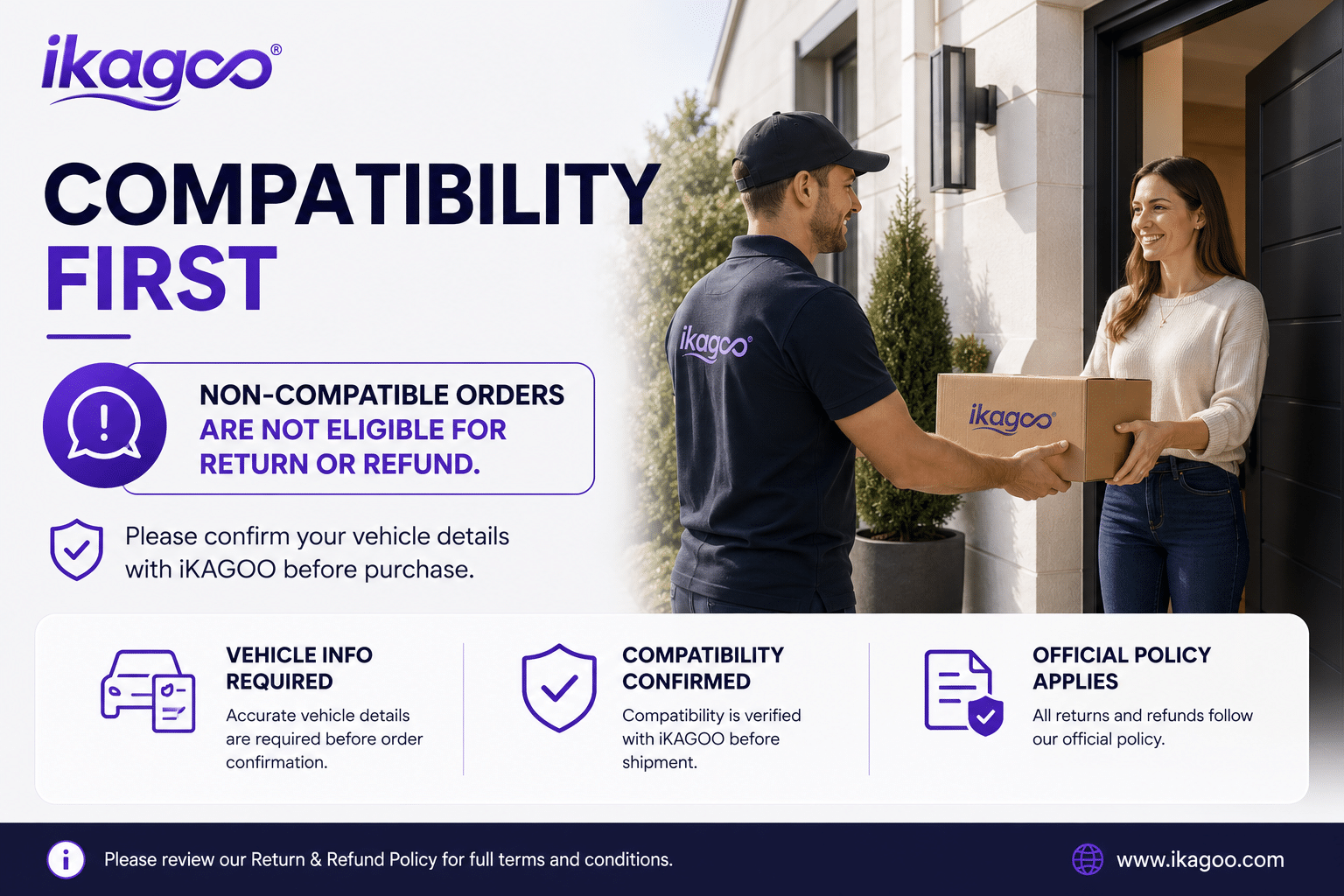
¿Qué sucede si el producto aún no se puede instalar después de la revisión de compatibilidad?
Se puede aplicar protección adicional cuando iKAGOO haya revisado la
compatibilidad del vehículo, el cliente haya proporcionado información precisa del
vehículo y se hayan completado pasos razonables de instalación y diagnóstico.
Si iKAGOO confirma que no hay una solución técnica razonable
disponible y el problema se informa dentro de
7 días naturales tras la entrega,
el cliente puede ser elegible para un reembolso del precio del producto
sin que se le exija devolver el producto.
El envío original, DDP, IVA, aranceles aduaneros y otros
cargos de terceros no están incluidos en este reembolso del precio del producto.
06
¿Qué garantía se proporciona y abrir el producto la anula?
Los productos elegibles incluyen una
Garantía limitada de hardware de 12 meses
que cubren defectos de fabricación verificados y fallos de hardware
elegibles en condiciones de uso normal.
Dependiendo del problema verificado, el soporte puede incluir diagnóstico
remoto, asistencia de configuración, piezas de repuesto,
reparación, reemplazo, reembolso parcial o reembolso completo.
La inspección o el examen de un tercero no anula automáticamente
toda la garantía. Sin embargo, los daños causados por
reparación no autorizada, modificación incorrecta, circuitos rotos,
ensamblaje incorrecto, cableado incorrecto, impacto, entrada de agua
o mal uso no suelen estar cubiertos.
Contacte con iKAGOO antes de desmontar, modificar o reparar\r\n el producto para poder proporcionar el procedimiento de diagnóstico correcto.
07
¿Qué ocurre si mi pedido llega dañado o le faltan piezas?
Ponte en contacto con iKAGOO en un plazo de
7 días naturales tras la entrega
y conserve el embalaje original, la etiqueta de envío, los accesorios\r\n y el producto.
Por favor, envía fotos o vídeos nítidos en los que se vea:
- La caja de cartón exterior y la etiqueta de envío
- Daños visibles en el embalaje
- El producto y la zona afectada
- Todos los accesorios y cableado recibidos
Tras la verificación, iKAGOO puede organizar el envío de piezas faltantes,\r\n un reemplazo, reparación, reembolso u otra solución razonable.
08
¿Qué pasa si pedí la versión equivocada o necesito cambiar mi pedido?
Contacte con iKAGOO lo antes posible y antes de la instalación.\r\n Para cambios de dirección, configuración del vehículo o de producto, póngase\r\n en contacto con nosotros preferiblemente dentro de
12 horas después de realizar el pedido.
Se puede aprobar un cambio o devolución cuando un producto seleccionado\r\n incorrectamente permanezca sin usar, sin instalar, completo y\r\n apto para la reventa. Los clientes son normalmente responsables de\r\n los costes de envío y diferencias de precio correspondientes.
Los productos específicos para vehículos pueden entrar en adquisición, programación,
prueba o configuración poco después del pago. Una vez que la preparación
o el envío haya comenzado, la cancelación puede dejar de ser posible,
o se pueden deducir los costes razonables ya incurridos.
09
¿Qué incluye el paquete?
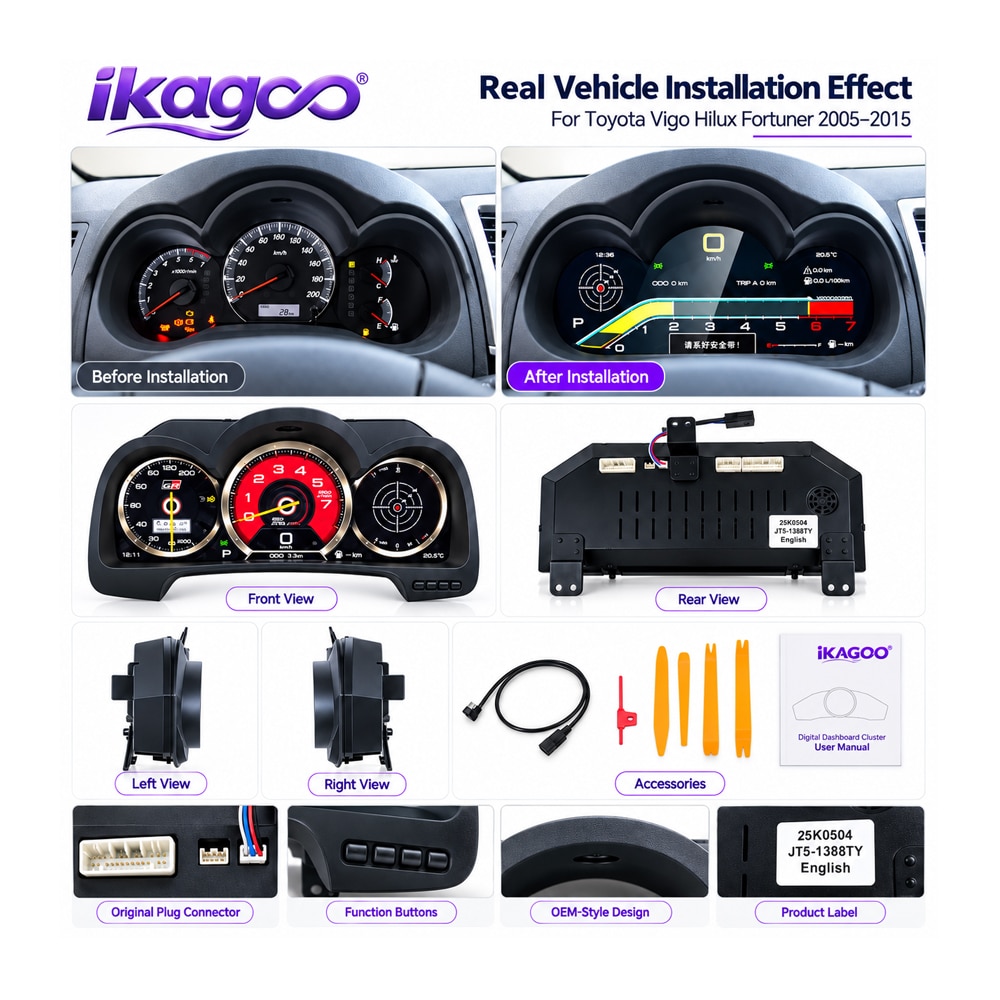
El contenido del paquete varía según el producto, el modelo de vehículo, el sistema de fábrica
y la configuración seleccionada.
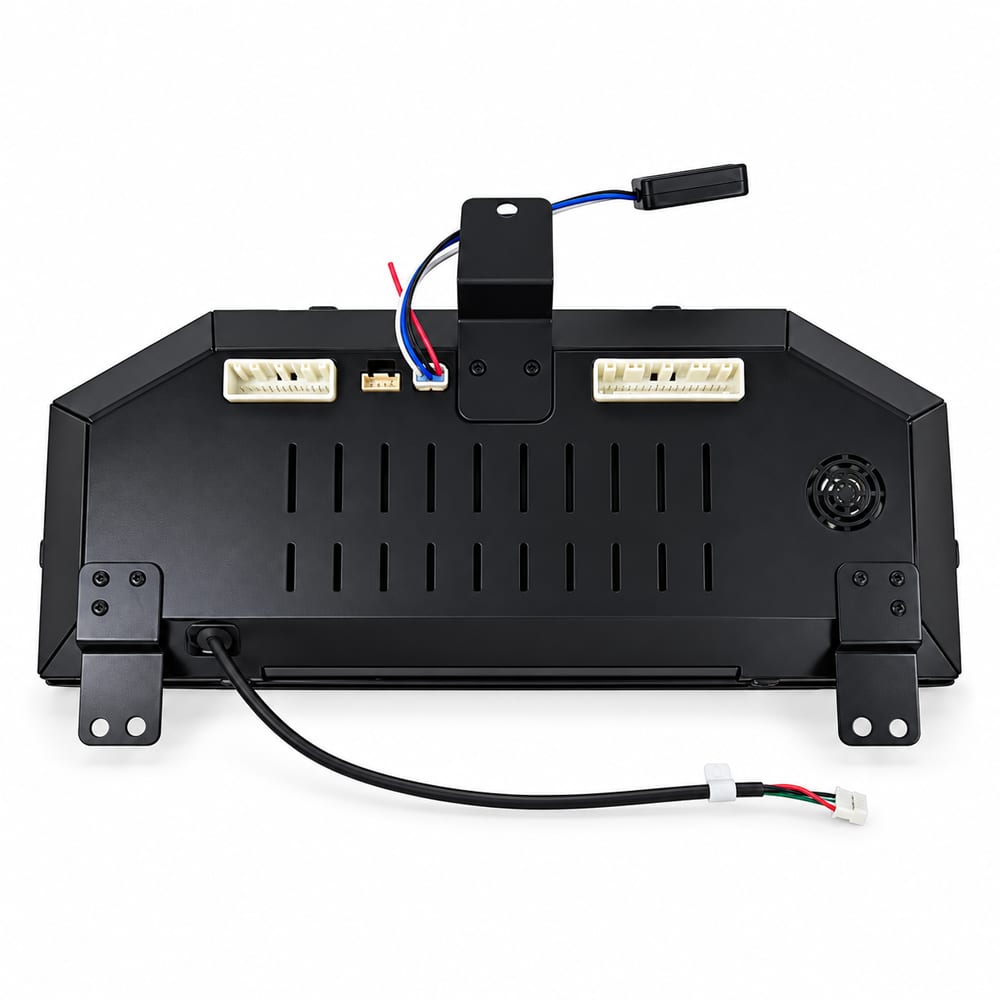
Según el producto, el paquete puede incluir el dispositivo
principal, arneses de cableado específicos para el vehículo, interfaz CANBUS,
adaptadores, cables USB, antenas, micrófonos, herrajes de montaje
u otros accesorios de instalación necesarios.
Consulte las fotos del producto correspondientes, las especificaciones y la confirmación
del pedido para conocer el contenido exacto de su pedido.
10
¿Cómo puedo contactar con iKAGOO para soporte técnico o posventa?
Puede contactar con iKAGOO a través del formulario de contacto del sitio web,
WhatsApp u otros canales de soporte disponibles. El tiempo de
respuesta habitual es de 24 horas laborables.
Para un diagnóstico técnico más rápido, incluya su número de pedido,
el modelo y año del vehículo, fotos relevantes del sistema de fábrica,
fotos del producto y un vídeo claro que muestre el problema.
Contacte con el soporte de iKAGOO →
11
¿Es seguro el pago y hay opciones de pago a plazos disponibles?
Los pagos se procesan mediante los métodos de pago seguros que se muestran durante el pago.
Las opciones de tarjeta, monedero y plazos disponibles pueden variar según el país, la moneda, el proveedor de pagos y la elegibilidad del cliente.
Los servicios de pago a plazos, incluidas las opciones ofrecidas por PayPal u otro proveedor de pagos, están sujetos a la disponibilidad regional y a los requisitos de aprobación de dicho proveedor.
Esta sección es una guía simplificada para el cliente. Las páginas completas de la política publicada,
la confirmación del pedido y la ley de consumo aplicable tienen
prioridad si cualquier redacción difiere.










Opiniones
Aún no hay opiniones.